Monitoring your sites, start to finish
From adding a site to getting the alert — here's exactly how Uptura watches your websites and tells you the moment something breaks.
Five steps
Up and running in minutes
No setup project — add a site, pick your checks, and Uptura takes it from there.
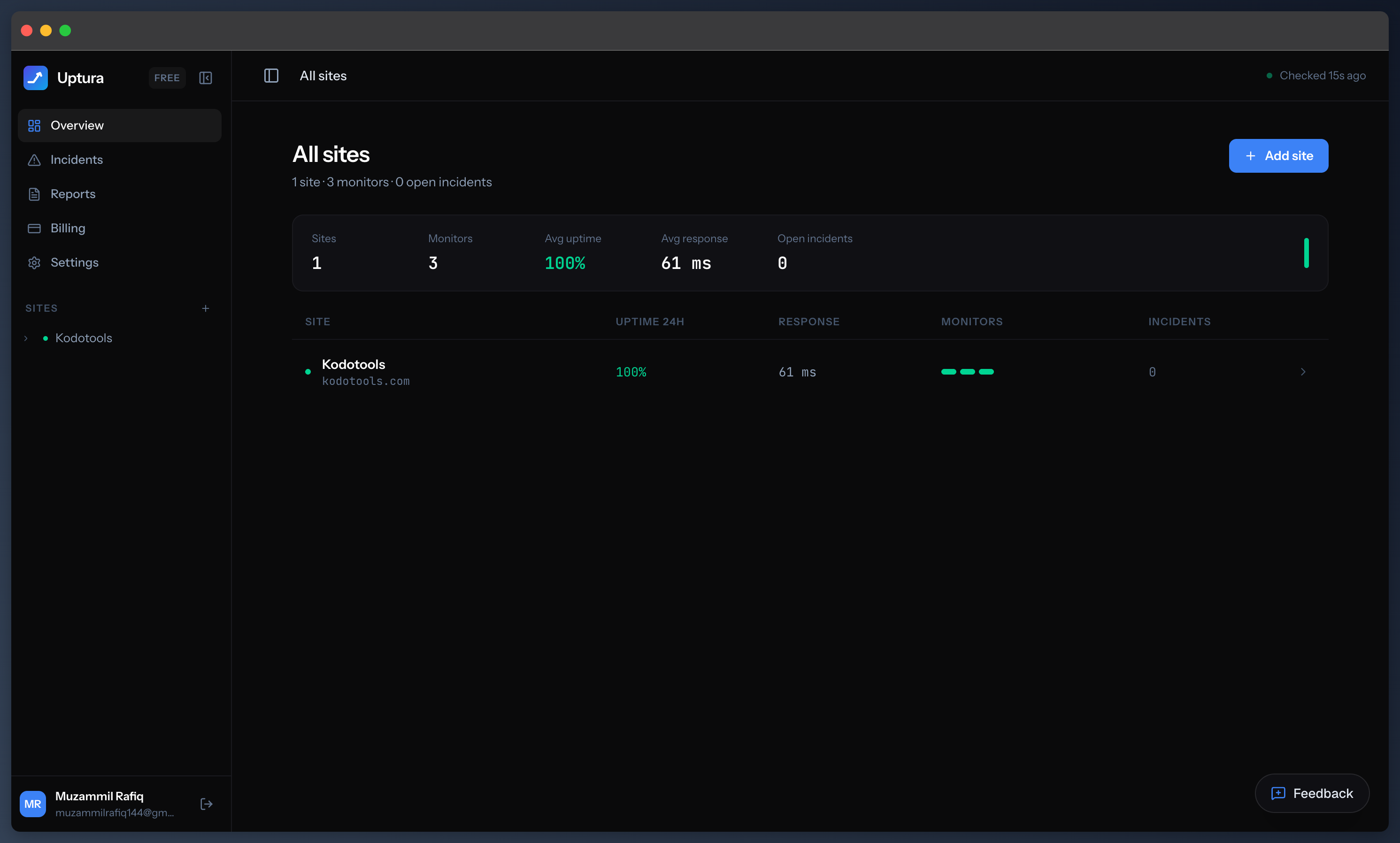
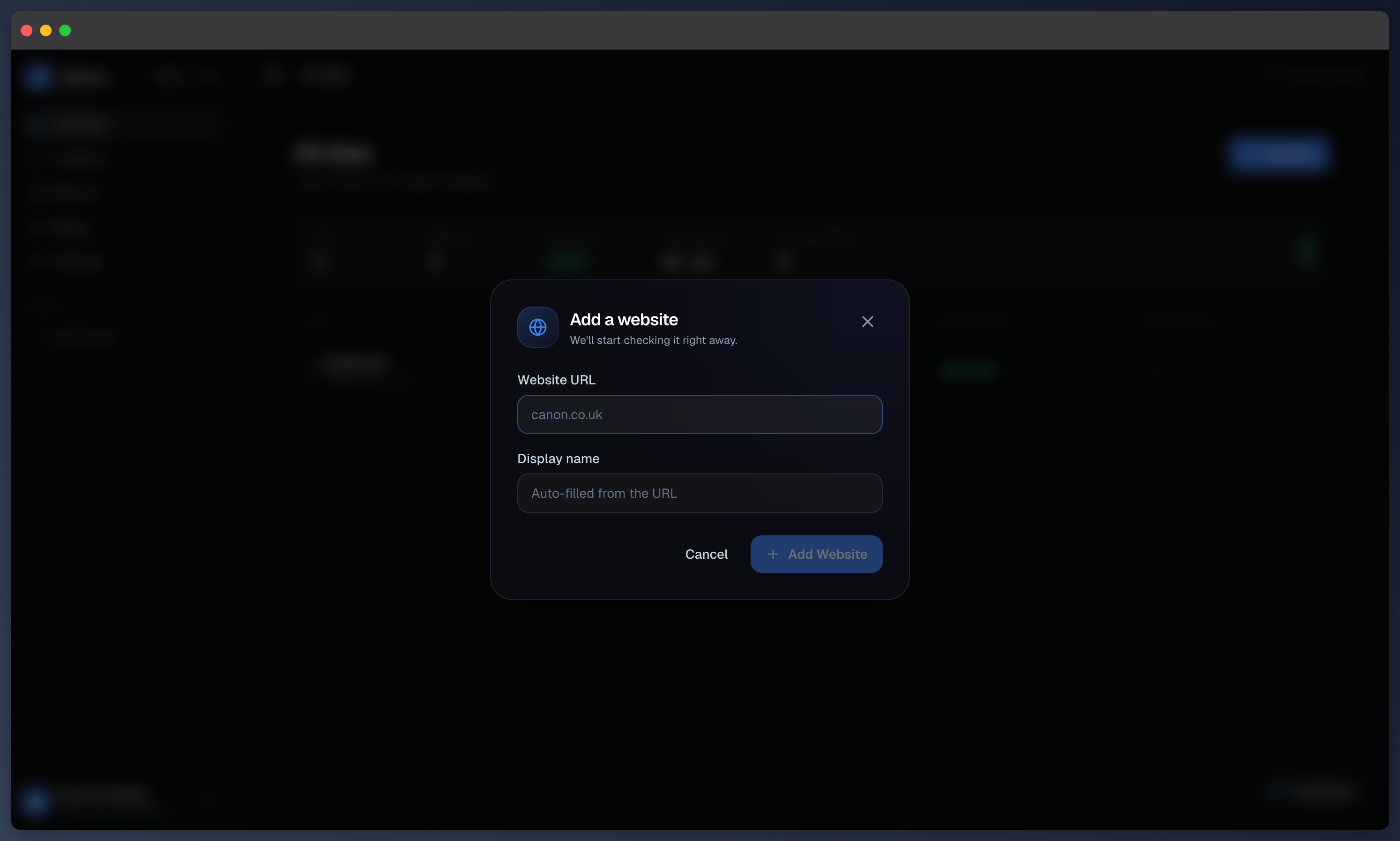
Add your site
Paste a URL and Uptura starts watching it in seconds. No agents to install, no DNS changes, no code — just the address.
- Works with any public site or web app
- Nothing to install — add a URL and you're monitoring
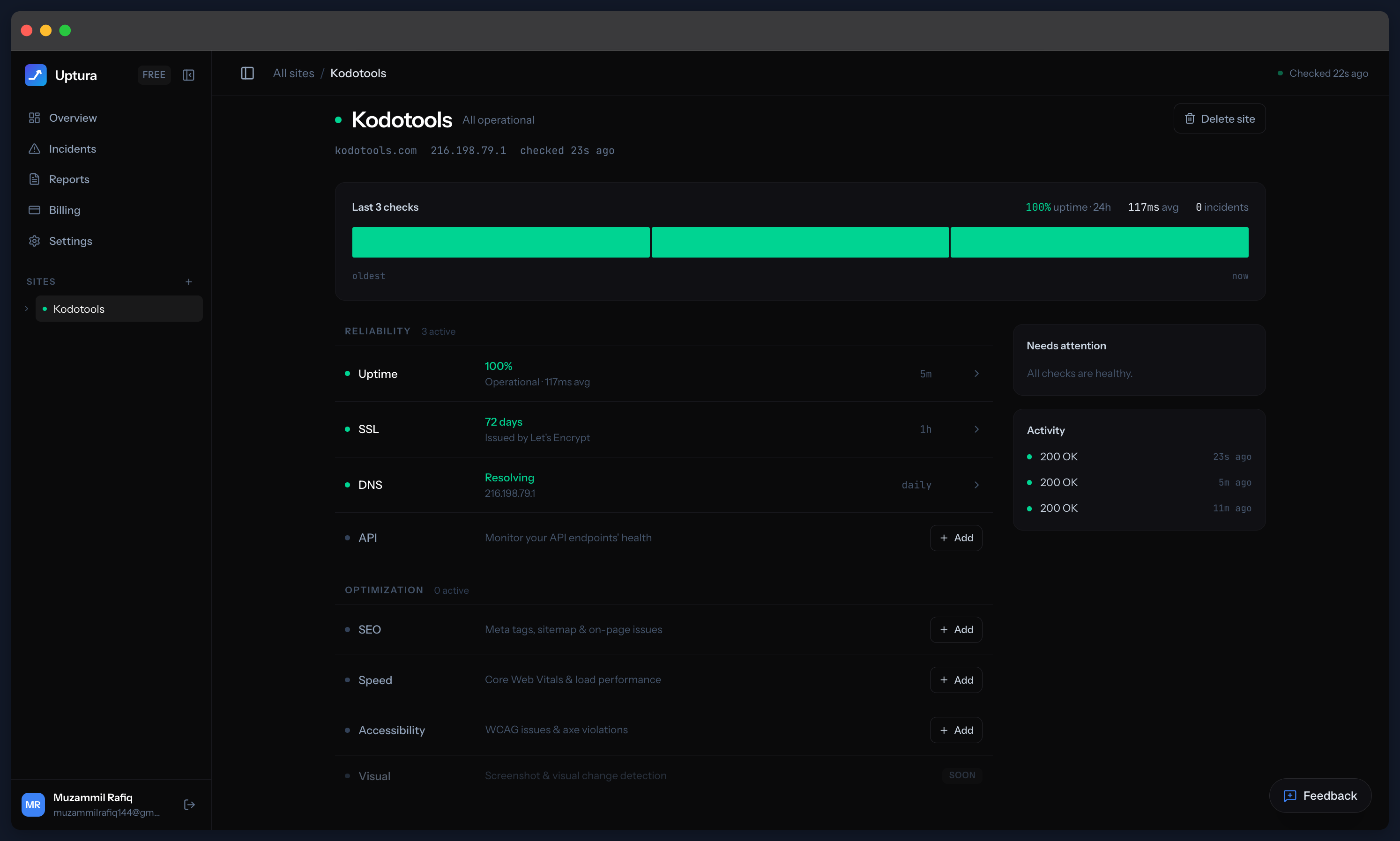
Turn on the checks that matter
Each site gets the checks you choose — uptime, SSL, DNS, API, SEO, Core Web Vitals, accessibility, cron jobs, and more. Toggle on what matters, per site.
- Reliability + performance + SEO in one place
- Every check is free
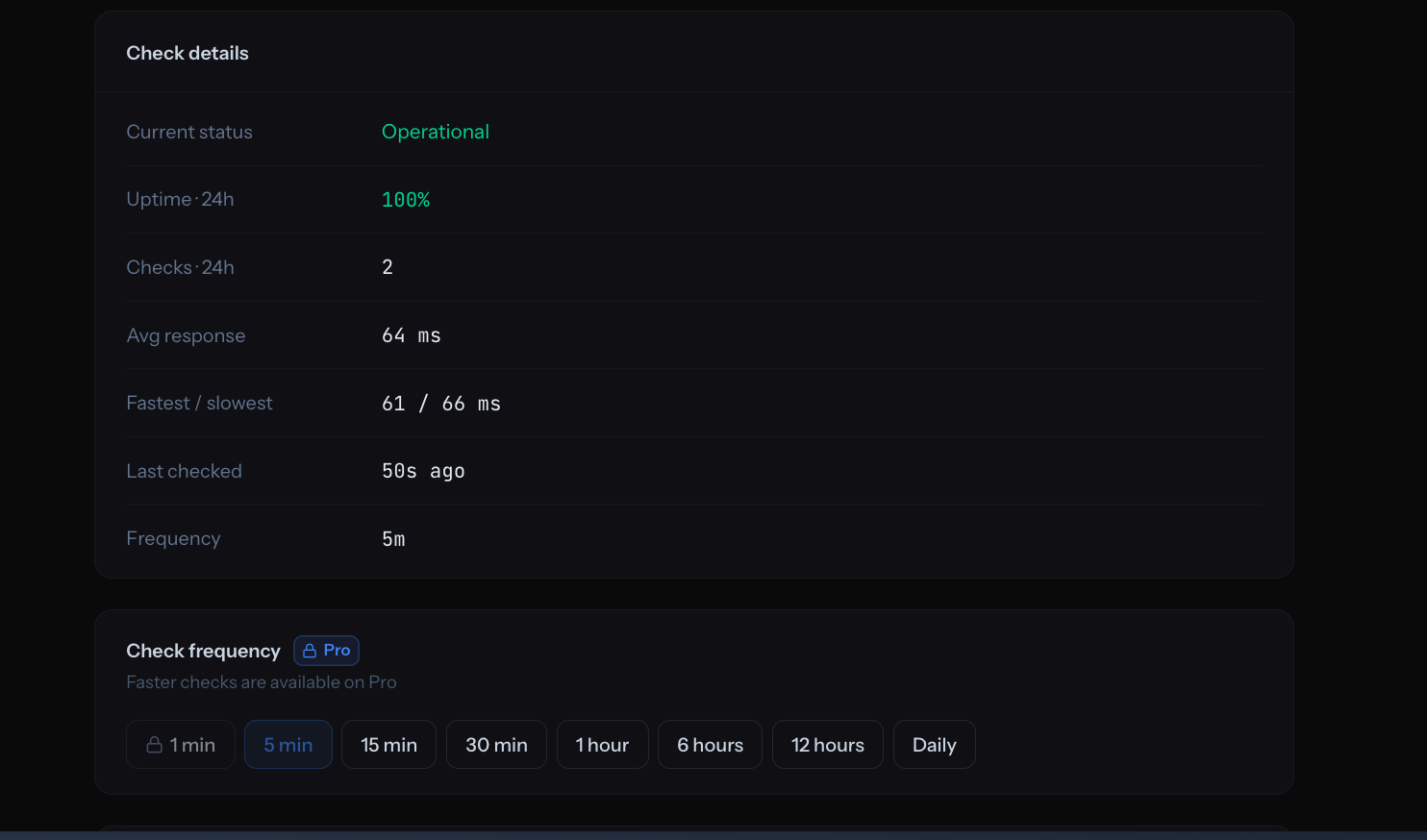
Choose how often we check
Pick the cadence that fits each site — every 5 minutes on the free plan, down to every minute on Pro, or space it out to hourly and daily. Change it any time.
- Every 5 minutes free · down to 1 minute on Pro
- Set per check, and change it whenever you like
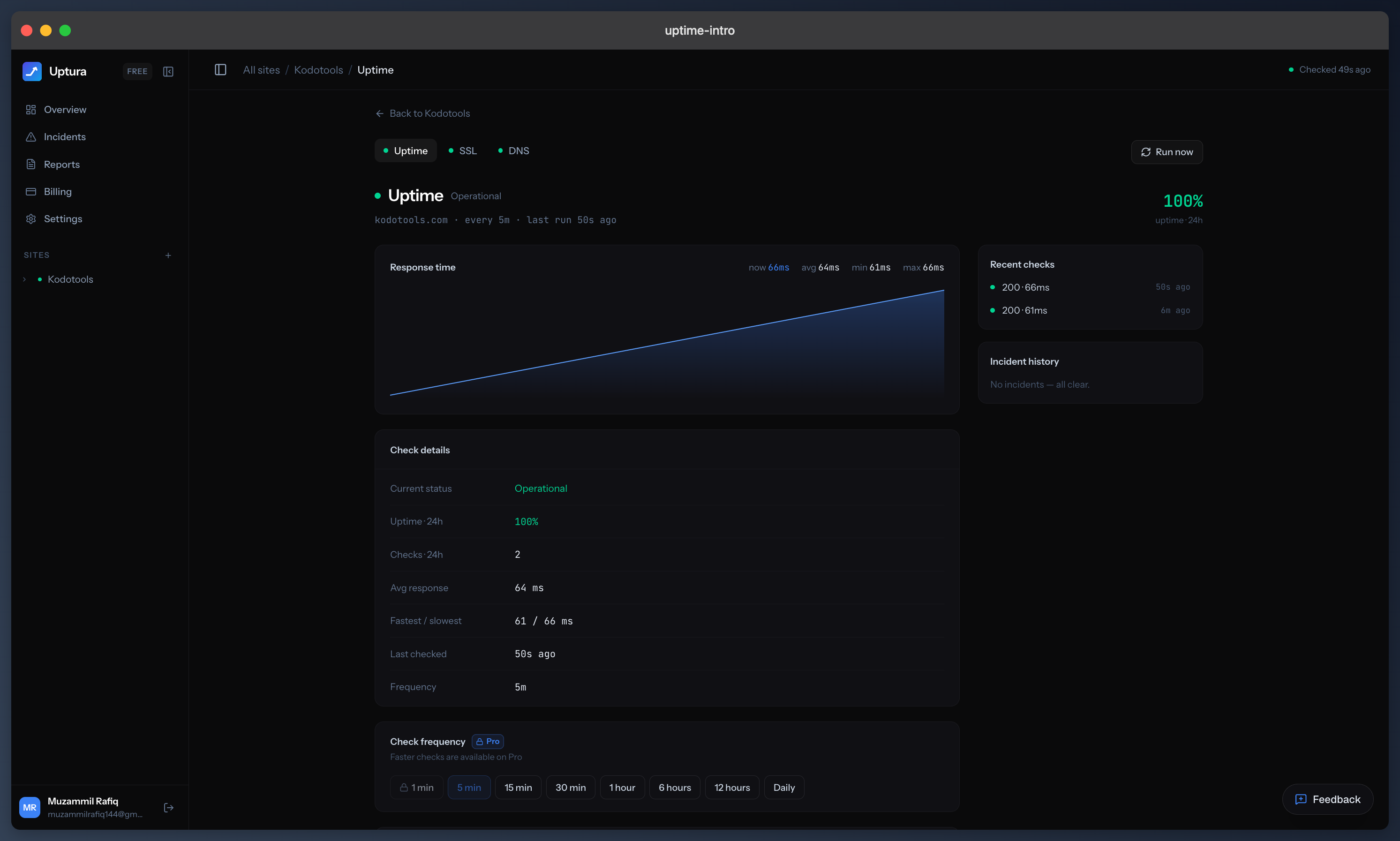
Watch uptime & response in real time
Every check plots response time and uptime over time, with the full history and recent results — so you see trends and slow-downs, not just the state right now.
- Response-time graph + uptime % at a glance
- Adjustable check frequency, down to every minute
Get alerted the moment it breaks
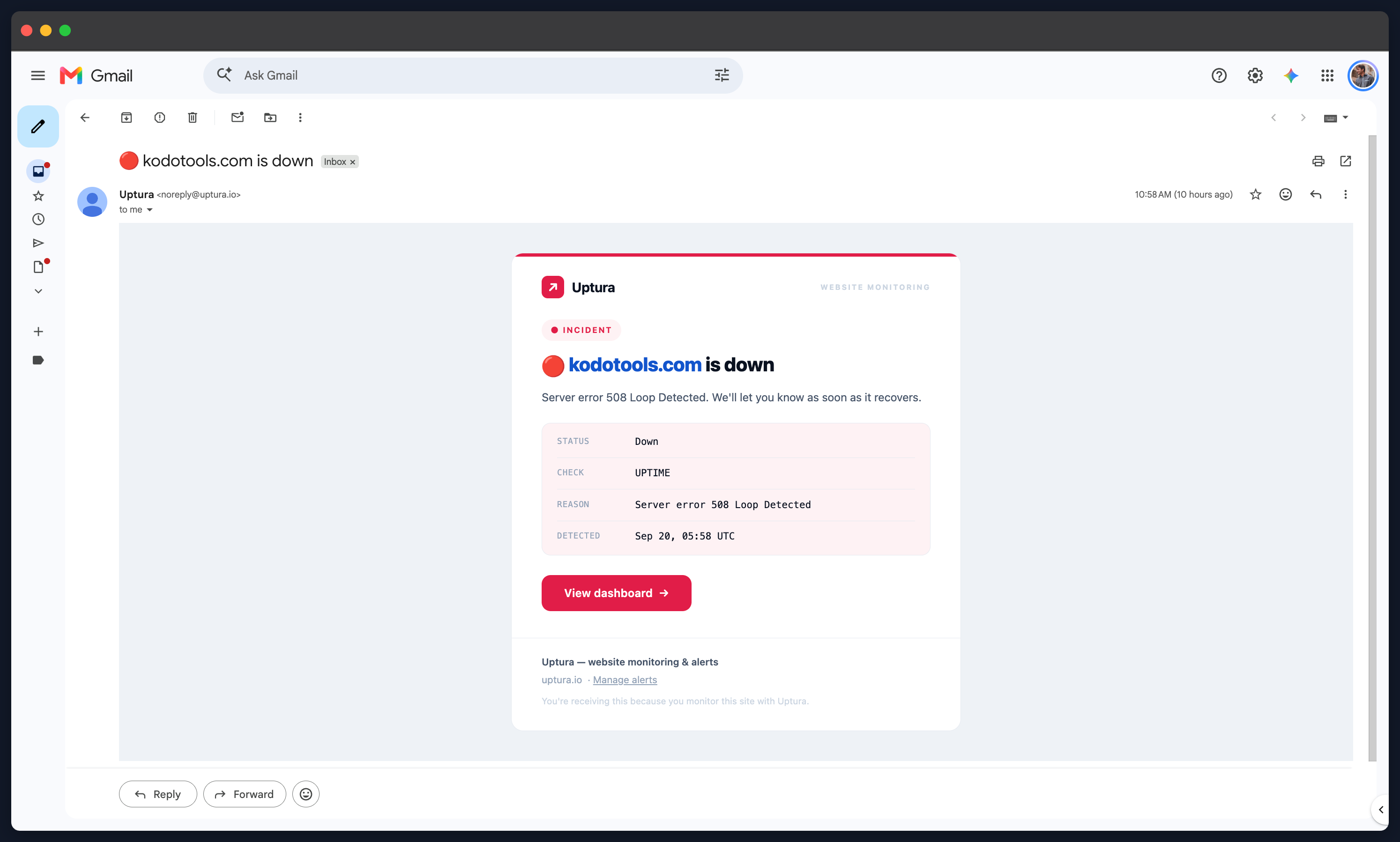
When a site goes down, a certificate is about to expire, or a check starts failing, Uptura emails (or Slacks) you within minutes — and again the moment it recovers.
- Email always on; Slack for the whole team
- Confirmed across checks, so no false alarms
Start monitoring in the next five minutes
Add your first site and let Uptura watch its uptime, SSL, DNS, and performance for you — free, no credit card required.
Free forever · no credit card required